
Reminders•
3 min read
•Updated October 2026
Creating Deadline and Task Reminders
Never miss a delivery handover or invoice follow-up. The My Reminder module organizes your daily responsibilities into categorized, trackable task cards.
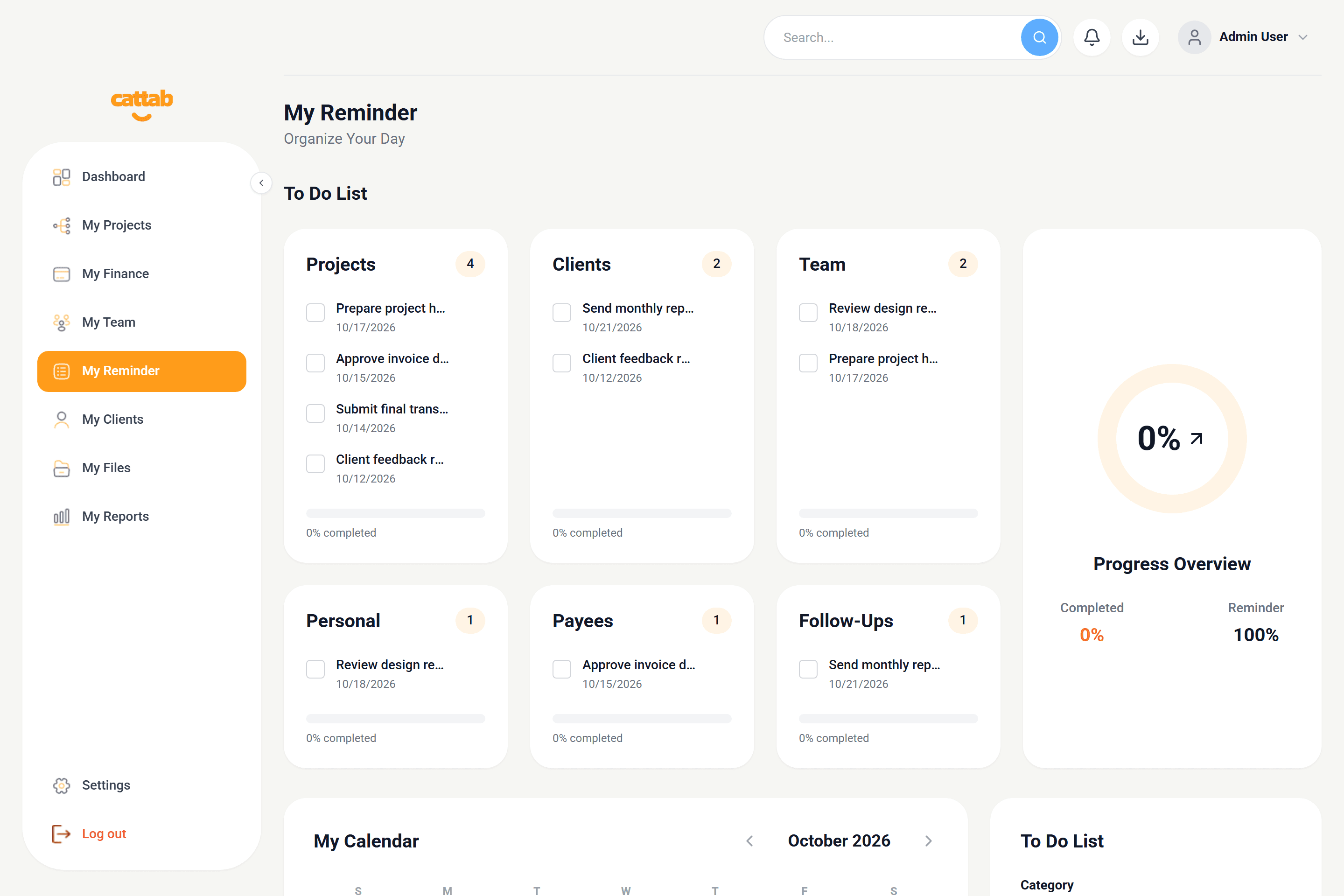
My Reminder view showing tagged to-do lists, progress overview, and integrated calendar.
Category Tagging System
Reminders in CATTAB are grouped into 6 practical operational categories:
1Projects: Deliverable milestones, draft reviews, and handovers.
2Clients: Follow-up emails, contract renewals, and feedback requests.
3Team: Contributor check-ins, onboarding reviews, and rate updates.
4Personal: Administrative focus blocks and personal tasks.
5Payees: Vendor renewal reminders and subscription reviews.
6Follow-Ups: Payment reminders for pending or overdue invoices.
Creating a New Reminder
Use the quick-add To Do form:
1Enter task title and description.
2Select target category tag.
3Pick due date and time.
4Mark completed with the check circle once finished.
Pro Tip
The Calendar card lets you click any date to view all tasks scheduled for that specific day in a focused modal.
Related Guides
Was this guide helpful?
Have feedback or need assistance with your setup? We're here to help.
Get Started with CATTAB
Run your client work from one clear workspace.
Bring projects, client records, team capacity, and finances into a unified operating platform built for fast-moving service businesses.